

From topicto grade
Avorate uses AI to turn your topic into a school presentation with speaker notes for your class. Practise it out loud and you get a grade.
The web app is invite-only for now. Already have an invite? Log in here.
Wild Nature in Canada · English · Year 9 · 8 minutes

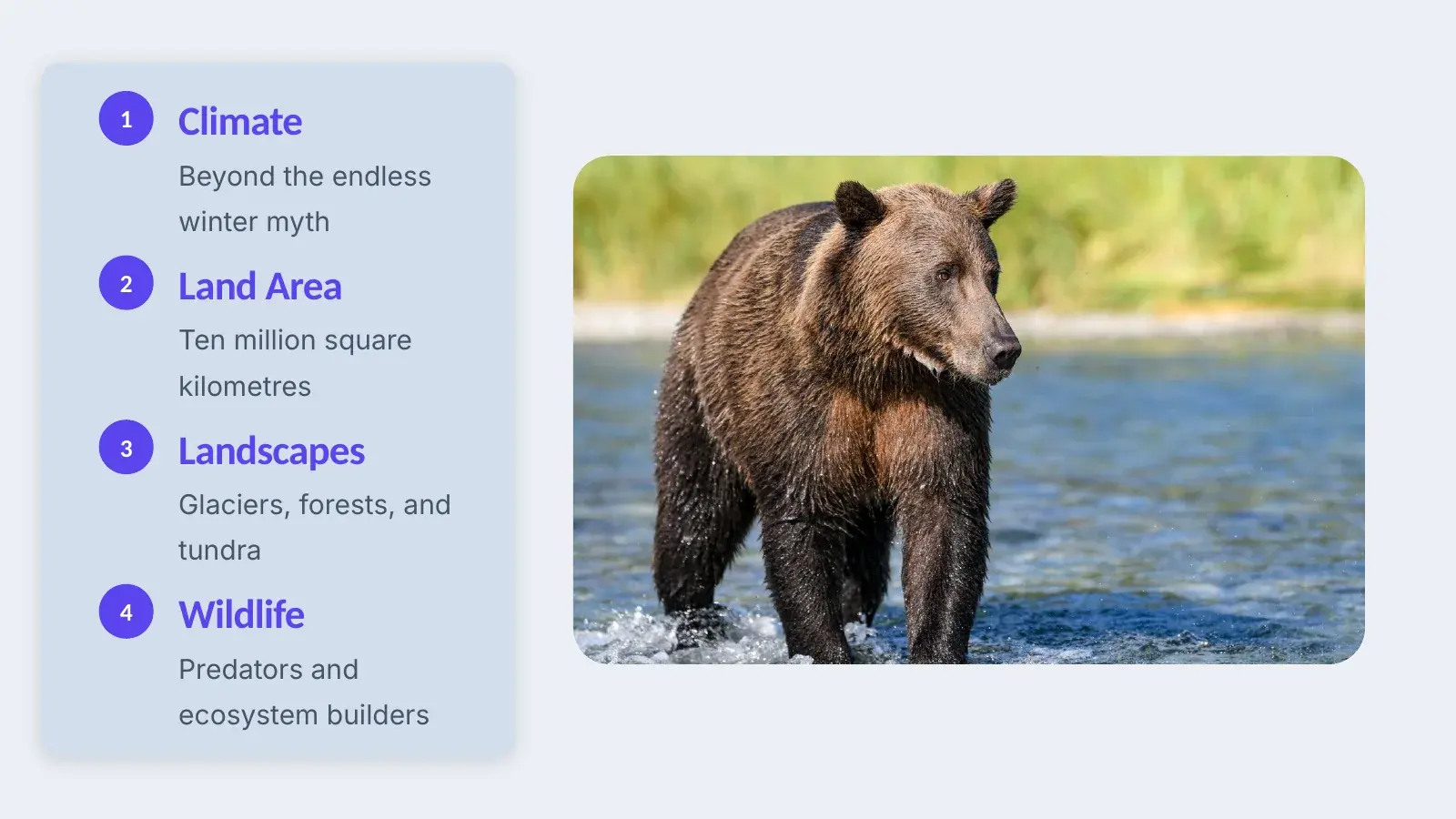
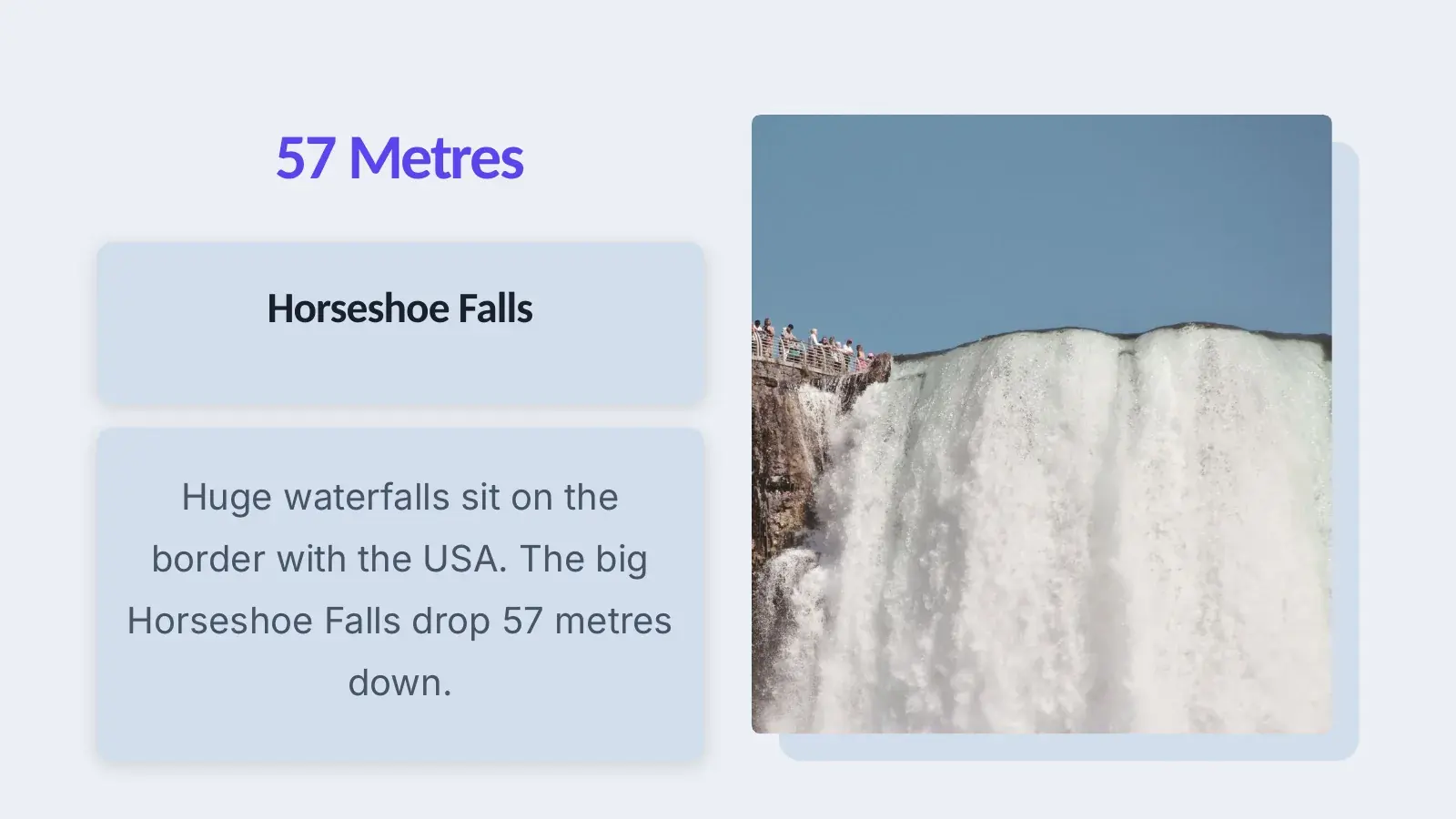
10 slides in English, speaker notes included
What you get done with it
Four moments from the school year, and what Avorate does for you in each.
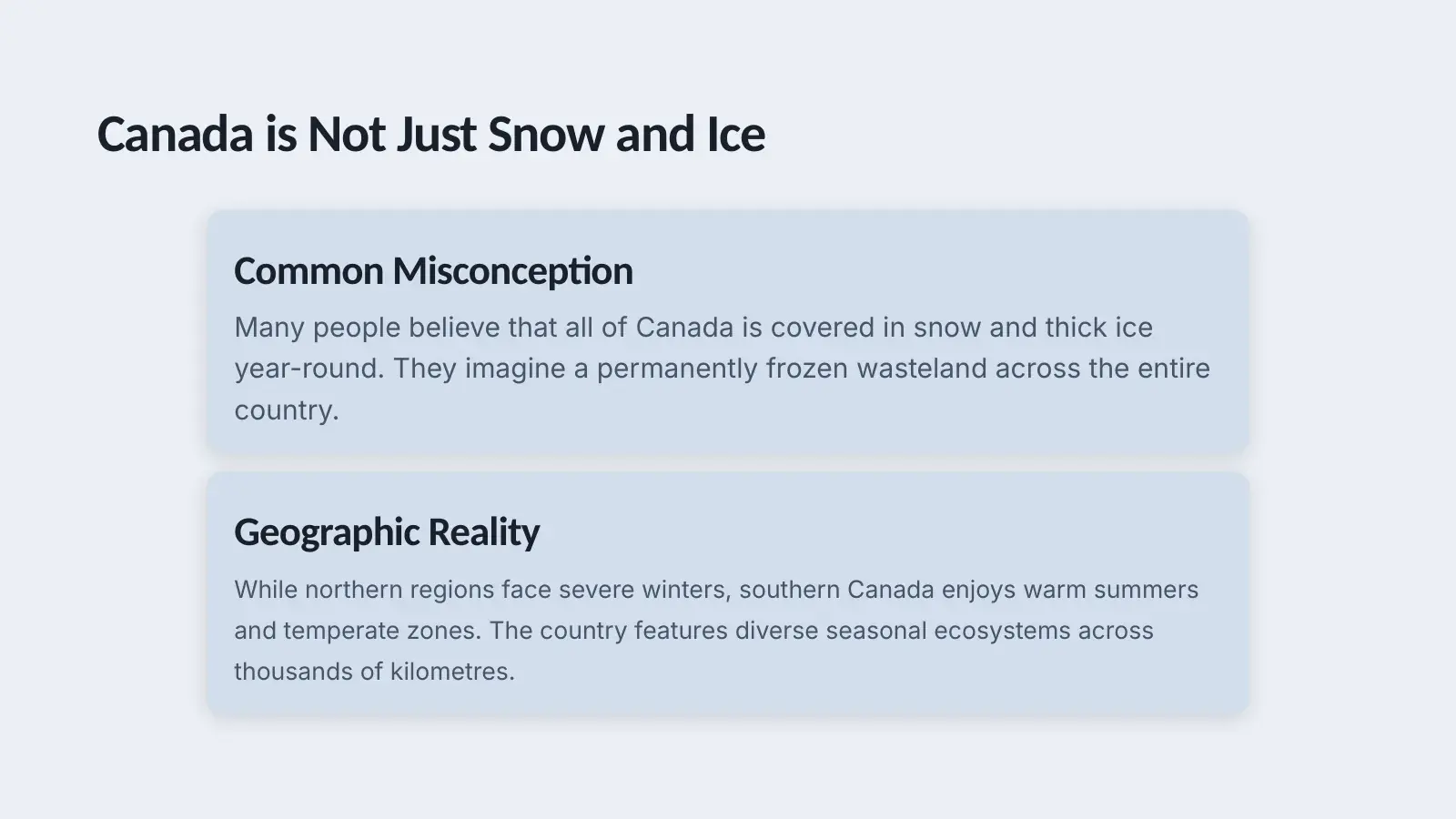
Speaker notes
Many people think all of Canada is frozen all year. In fact, the south has warm summers and mild regions.
From topic to finished talk
You enter your topic, subject and year. Avorate suggests an outline, builds the slides and writes the speaker notes, in sentences people in your year actually say.
For every subject
Avorate offers twenty subjects to choose from. Here are six of them with an example topic.
The beaver · Year 7
Plus maths, chemistry, politics, religious studies, ethics, music, art, PE, computer science, economics, French, Latin, Spanish and primary science.
Your grade
After every run you get a grade and see what’s behind it, plus tips for your next try.
Score
84
out of 100 · Clear and well built
A practice grade
This is a grade for practising, not a school grade. Avorate measures it against what is expected in your year.
- Pace82
128 words per minute, easy to follow
- Clarity86
Short sentences, terms explained
- Filler words74
6 × um, 2 × like
- Structure90
Opening, thread and conclusion are there
- Liveliness71
Flat emphasis, vary your pace more
Tips for your next run
Pause after every number
After “around 40,000 beavers” you went straight on. Stop for a second after every number.
Speak first, then click
Most of the “um”s came at slide changes. Say the first sentence of the next slide before you click on.
Isn’t this cheating?
An honest answer for you, your parents and your teacher.
- You give the talk
- Avorate takes the blank slide off your hands, not the talking. You stand in front of the class yourself, and that’s exactly what you practise here.
- The notes are a suggestion
- Change them until they sound like you. They sit in the speaker notes, and you don’t have to read them out.
- Only you see the grade
- No teacher, no parents, no class. It’s there for practising and goes nowhere else.
- Your teacher decides
- Whether AI is allowed for an assignment is up to your school. If in doubt, ask first.

Common questions
How do I get in?
Avorate is in a closed beta, and the web app only opens with an invite. Join the waitlist and confirm the email. As soon as a spot opens up, we'll send you your invite.
What does it cost?
Nothing during the beta: no subscriptions, no payment details. Prices for later aren't set yet. What's certain is that there will be a free plan.
From which year?
From the first year of secondary school (grade 5 in Germany). The text follows the year group you enter. Conversation training for job interviews is for ages 16 and up.
Can I still change the slides?
Yes, every one of them: edit text, reorder, delete or add slides, switch the design. Then you download the presentation as a PowerPoint file, with the speaker notes included.
Does it work in English or French?
Yes, for slides and speaker notes: you create your presentation in German, English or French. For now, Avorate writes the practice feedback in German.
Who hears my recording?
Only you. It's encrypted on your device before it's stored, and we can't play it. The AI analyses it once, and the unencrypted version is deleted right after.