

From topicto talk
Avorate uses AI to turn your topic into a finished, designed presentation with speaker notes, and listens when you practise it out loud.
The web app is invite-only for now. Already have an invite? Log in here.
Wild Nature in Canada · English · Year 9 · 8 minutes

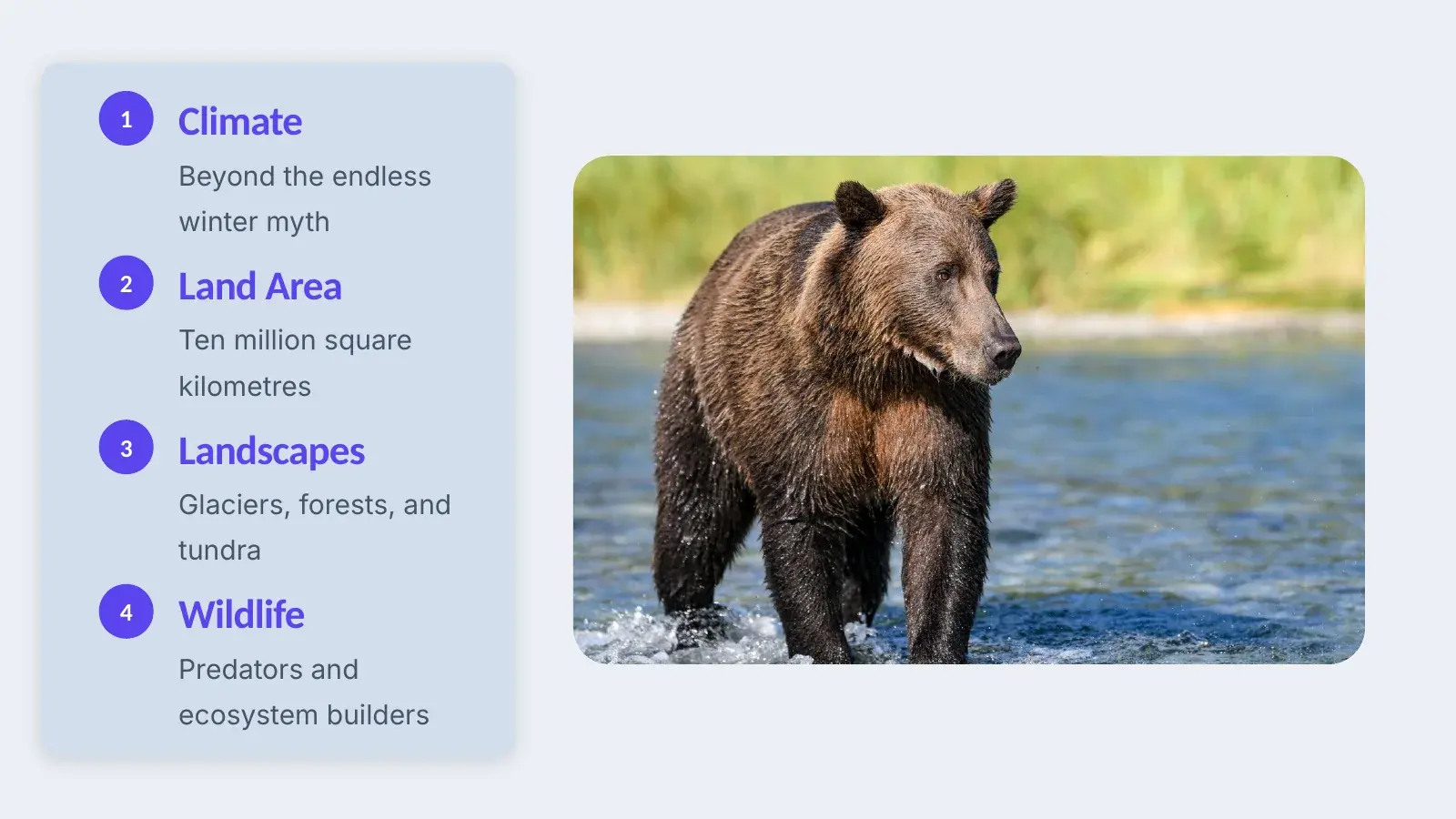
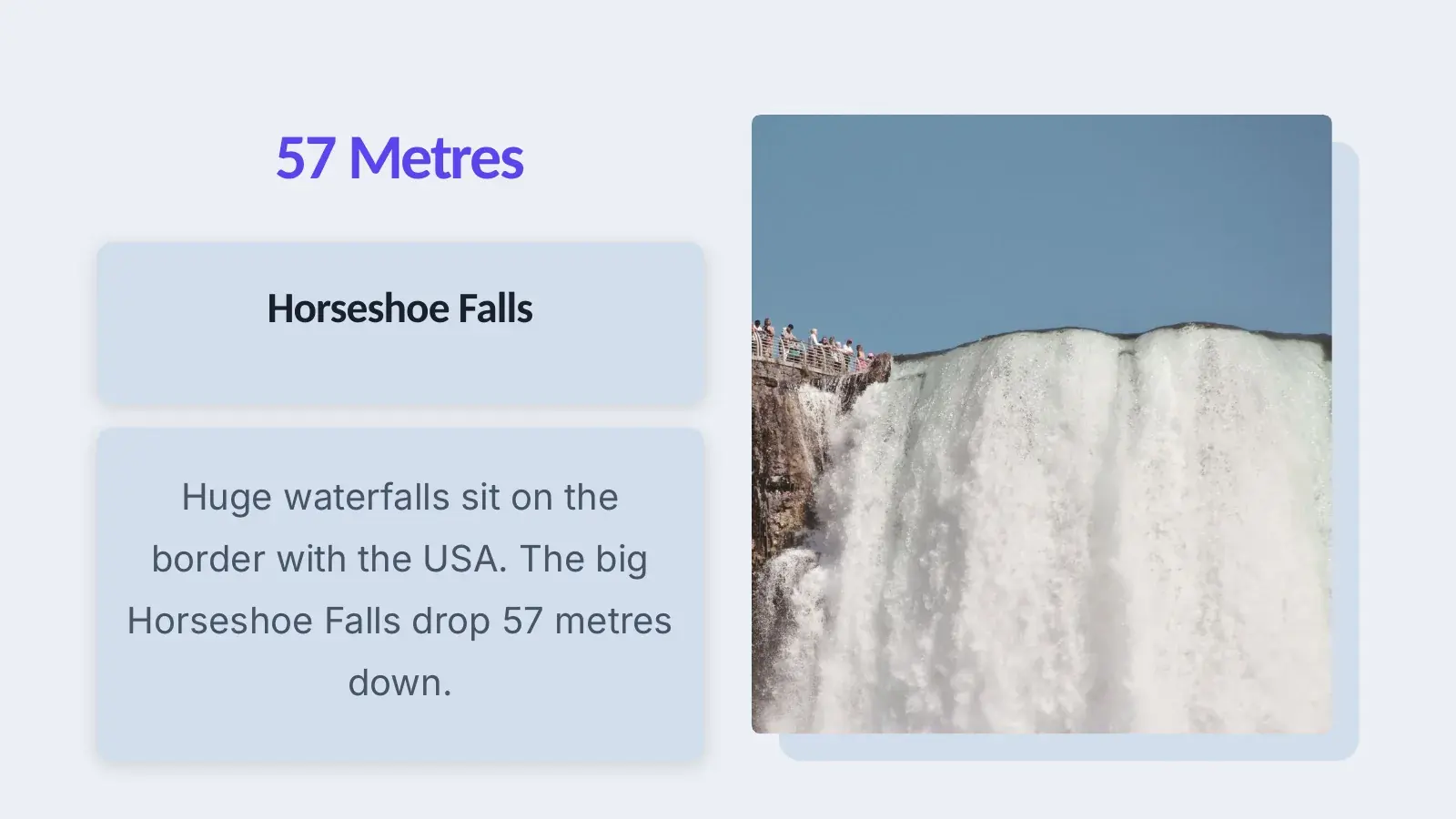
10 slides in English, speaker notes included
How your talk comes together
Four steps from an empty field to your first run out loud.
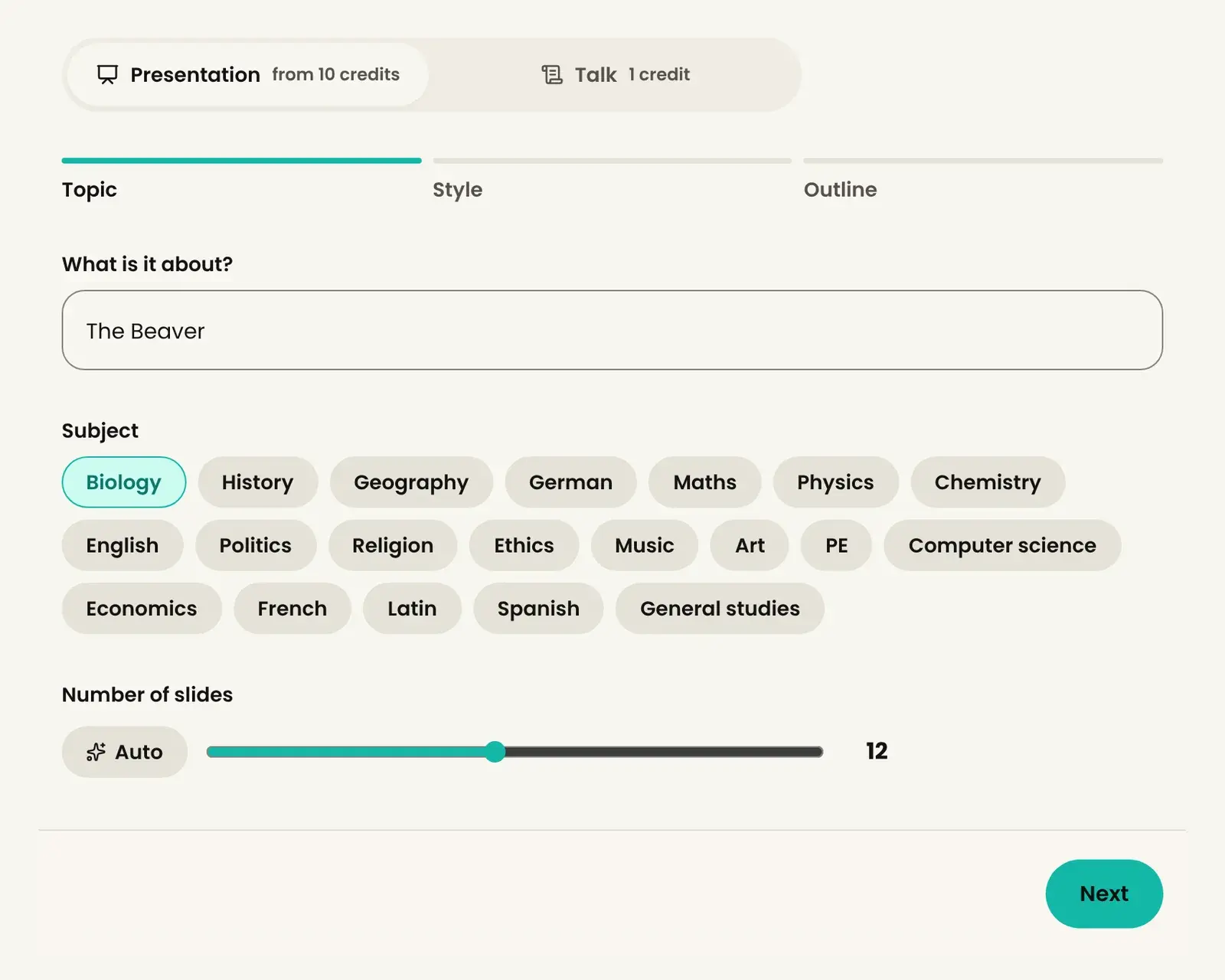
Topic
You write down your topic. For school you add the subject and the number of slides, for Work the occasion, speaking time and audience.
Outline
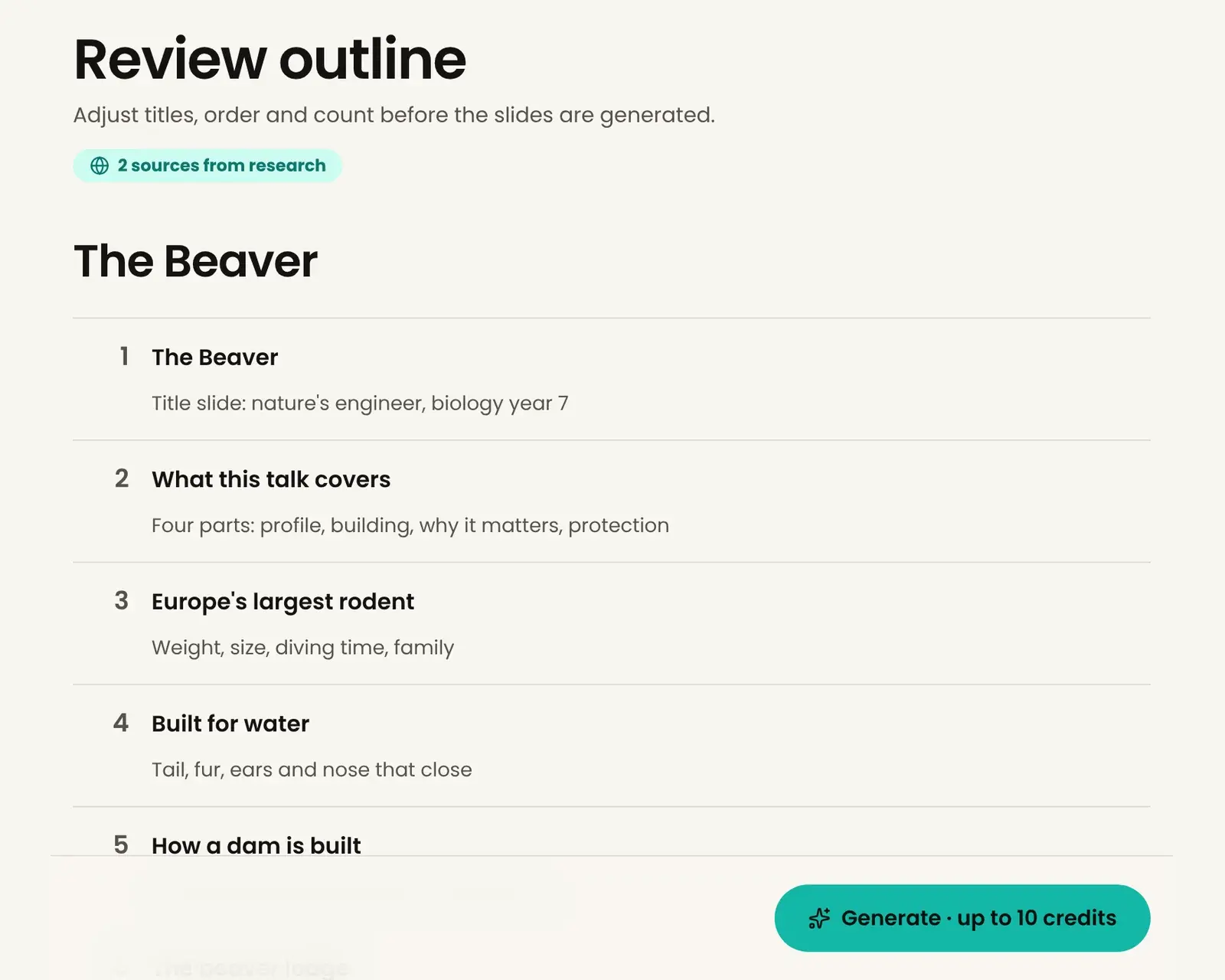
Avorate researches, asks you up to three short questions and suggests an outline. You set titles, order and the number of slides before a single slide is made.
Deck
The slides come with pictures and a design, and the speaker notes are already written. You can change every slide in the browser.
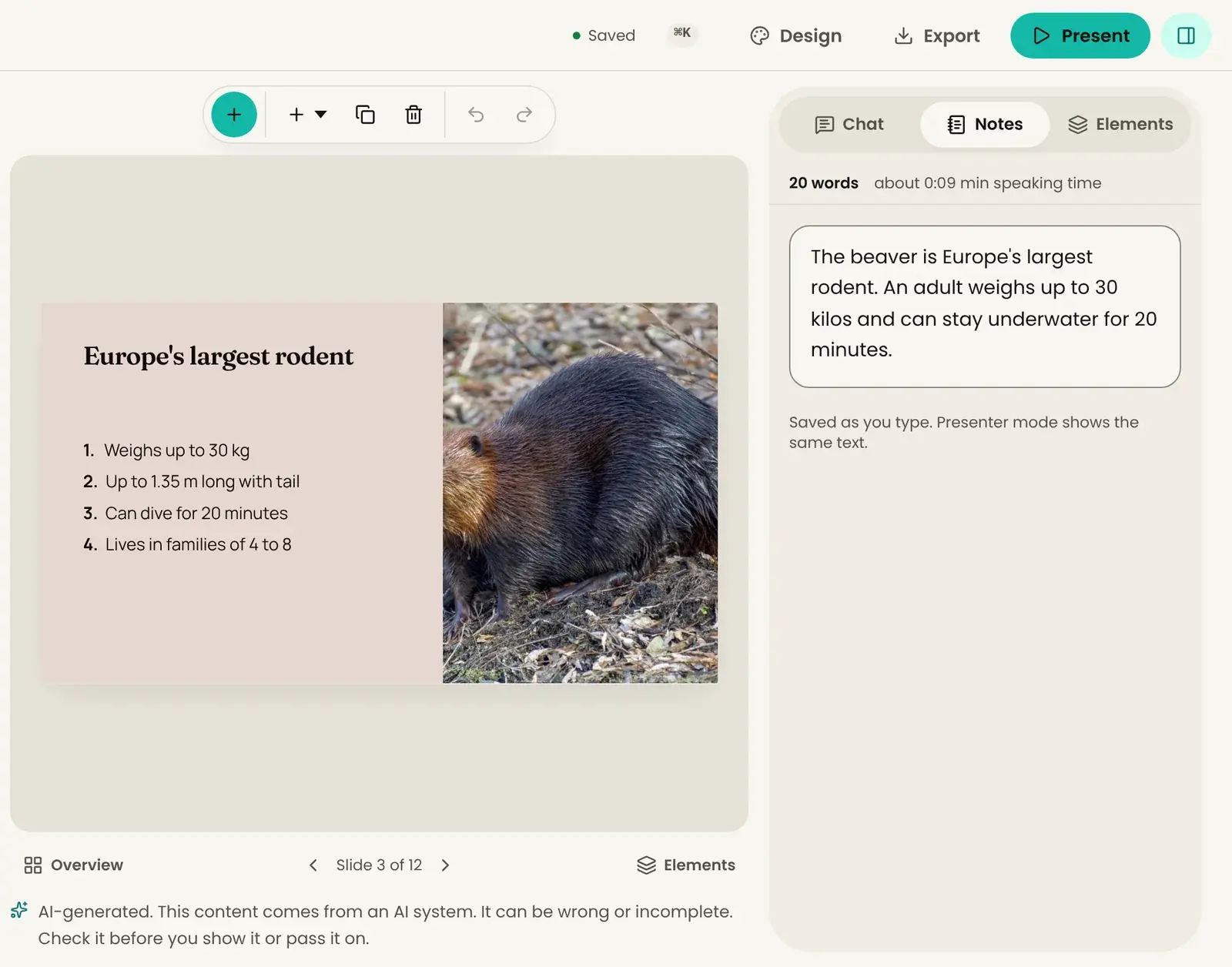
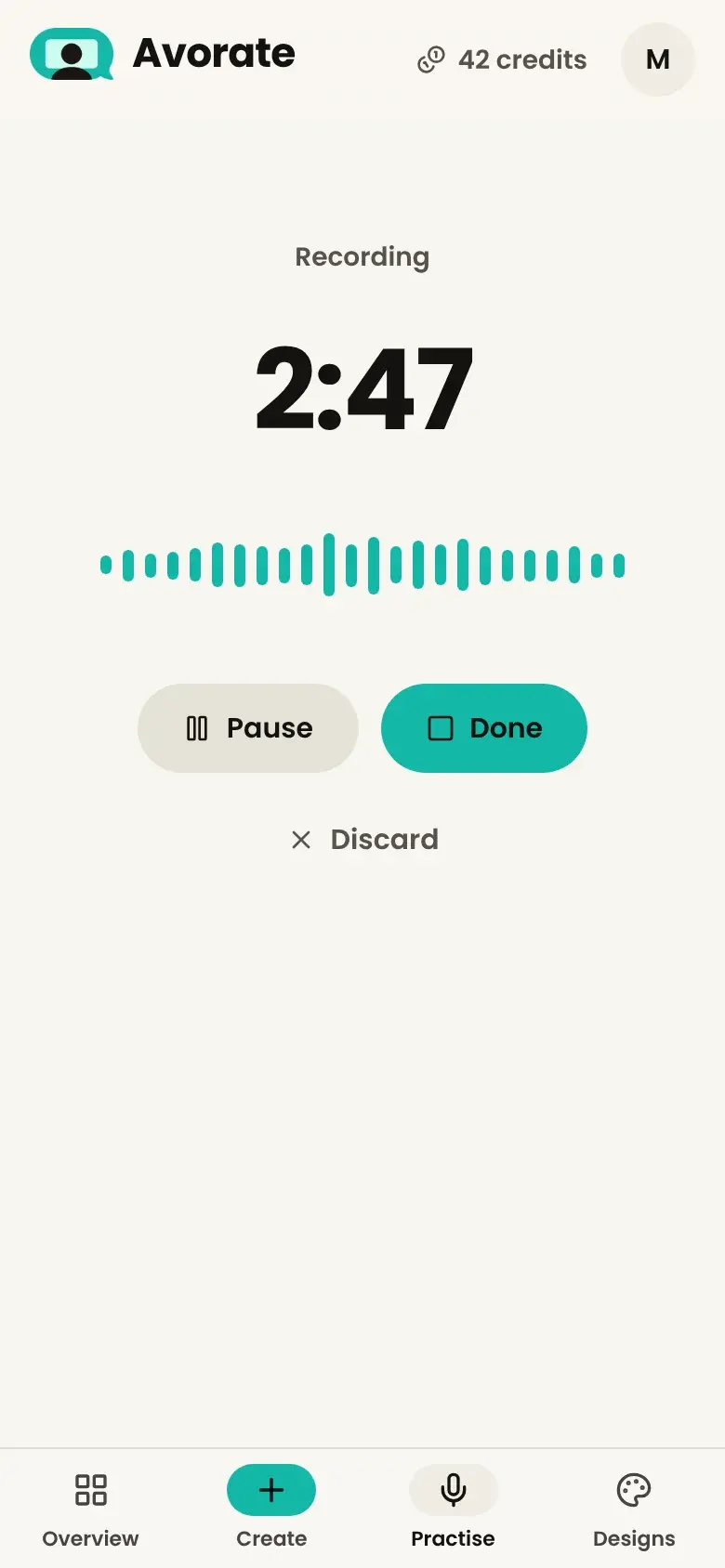
Practise
You give the talk out loud, the way you will in front of people. Avorate listens through the microphone and analyses it afterwards.
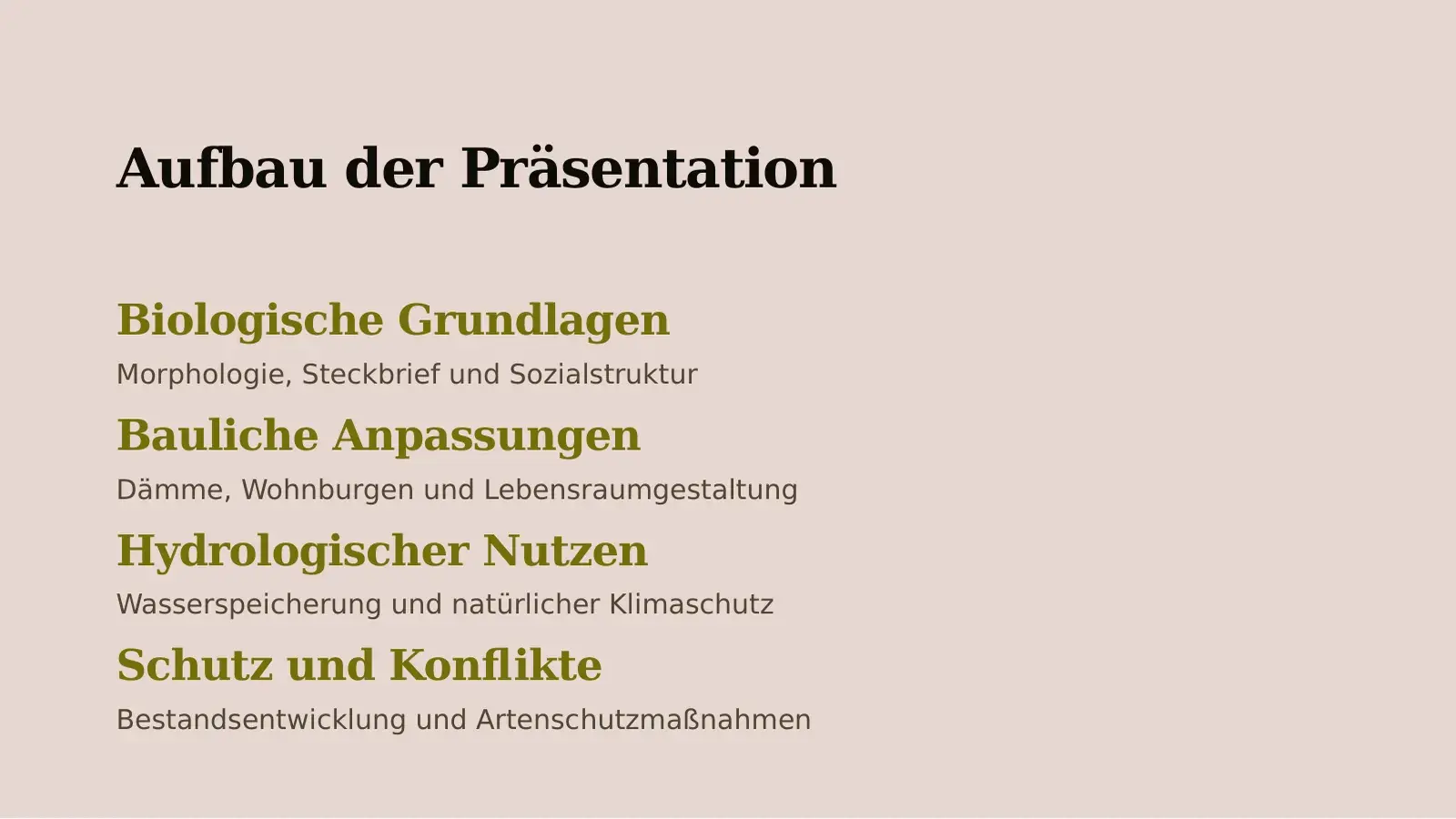
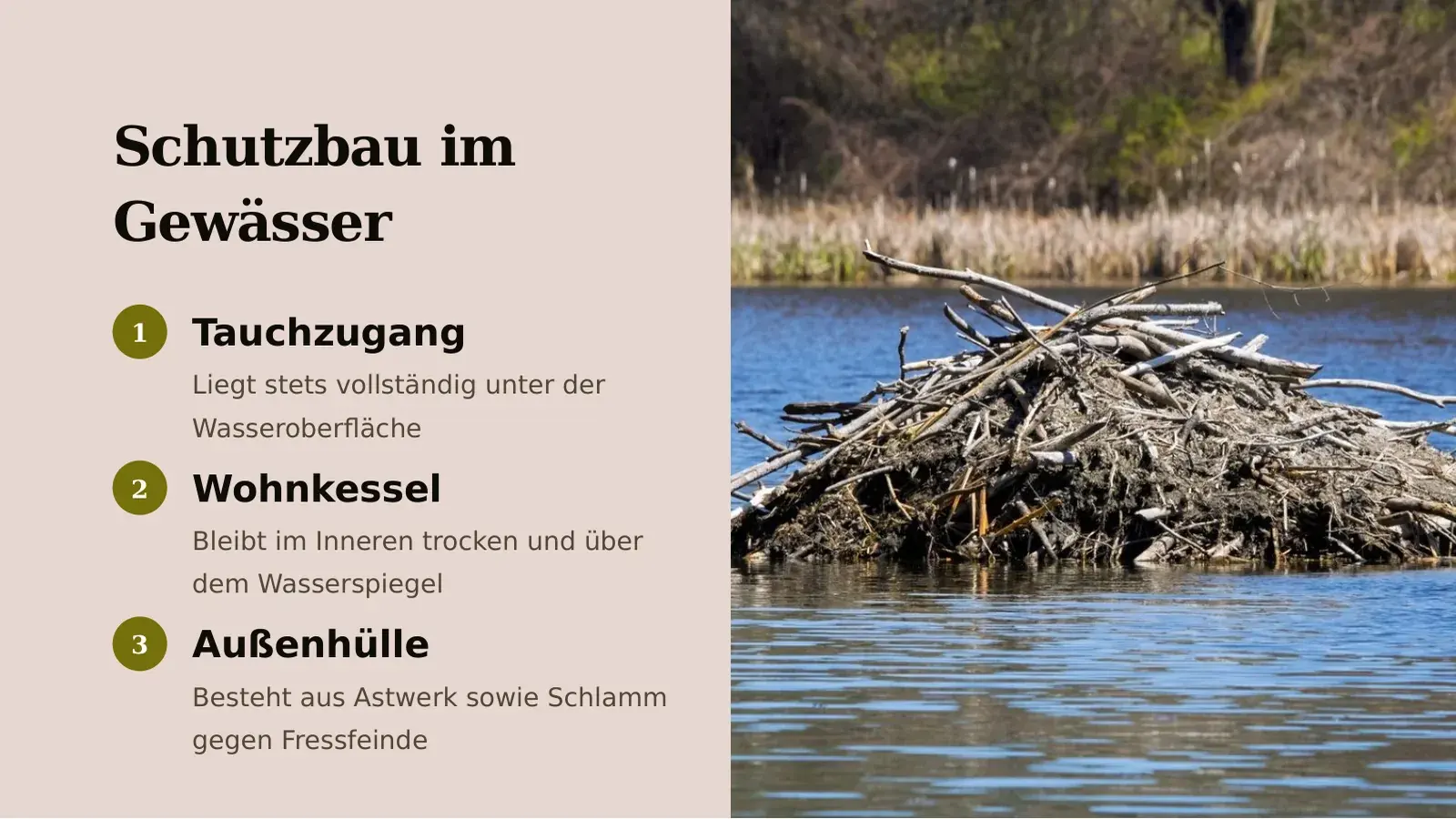
What's in the deck
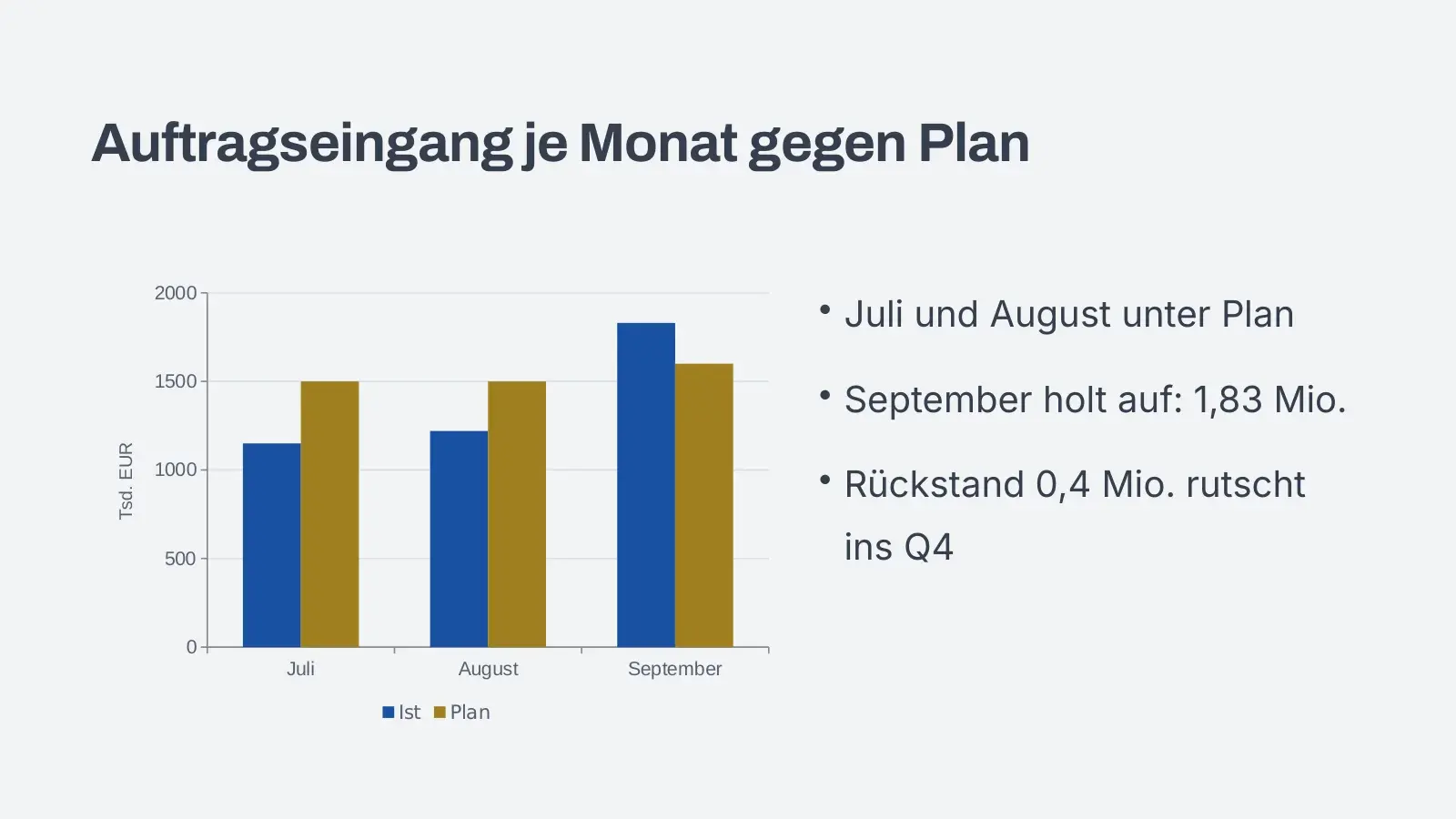
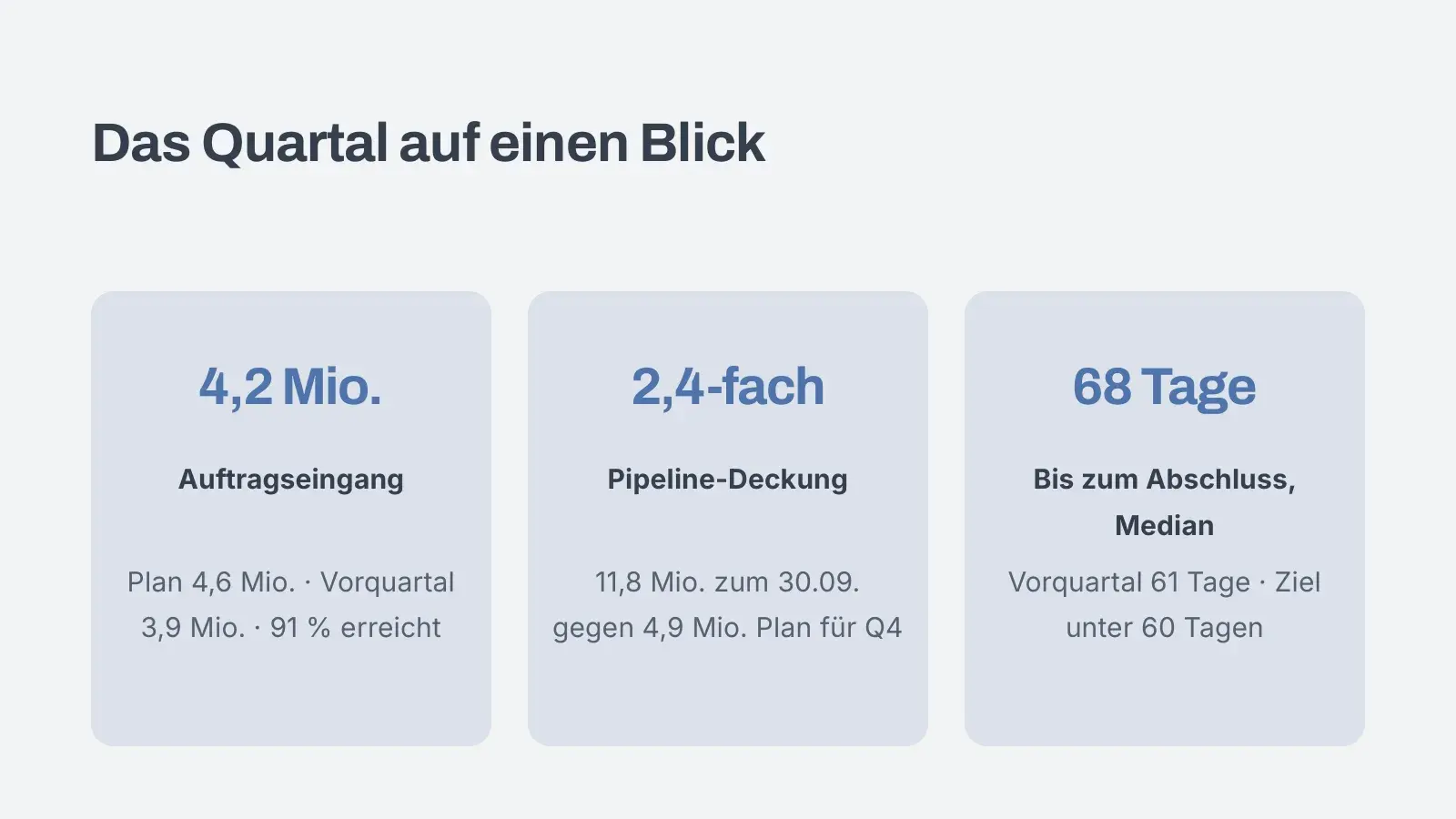

A big photo, the title and one line on what it's about.
Slides from three sample decks in three designs. You can edit every one in the browser.
Then you speak
A deck isn’t done until you’ve said it out loud once. Then you see what worked and what didn’t.
Score
84
out of 100 · Clear and well built
Against the first attempt
Calmer pace and fewer filler words than last time.
- Pace82
128 words per minute, easy to follow
- Clarity86
Short sentences, terms explained
- Filler words74
6 × um, 2 × like
- Structure90
Opening, thread and conclusion are there
- Liveliness71
Flat emphasis, vary your pace more
Strength
Strong opening with a question: “Why do we call the beaver a builder?” (from 0:04)
Next step
Pause briefly after every number so it sticks.
Example: second run of a school talk about the beaver, year 7. Avorate doesn’t judge how nervous you seem.
For job interviews and work, Avorate plays the other side and follows up when an answer dodges the question. Ages 16 and up.
Two paths, one account
 84Scoreout of 100
School
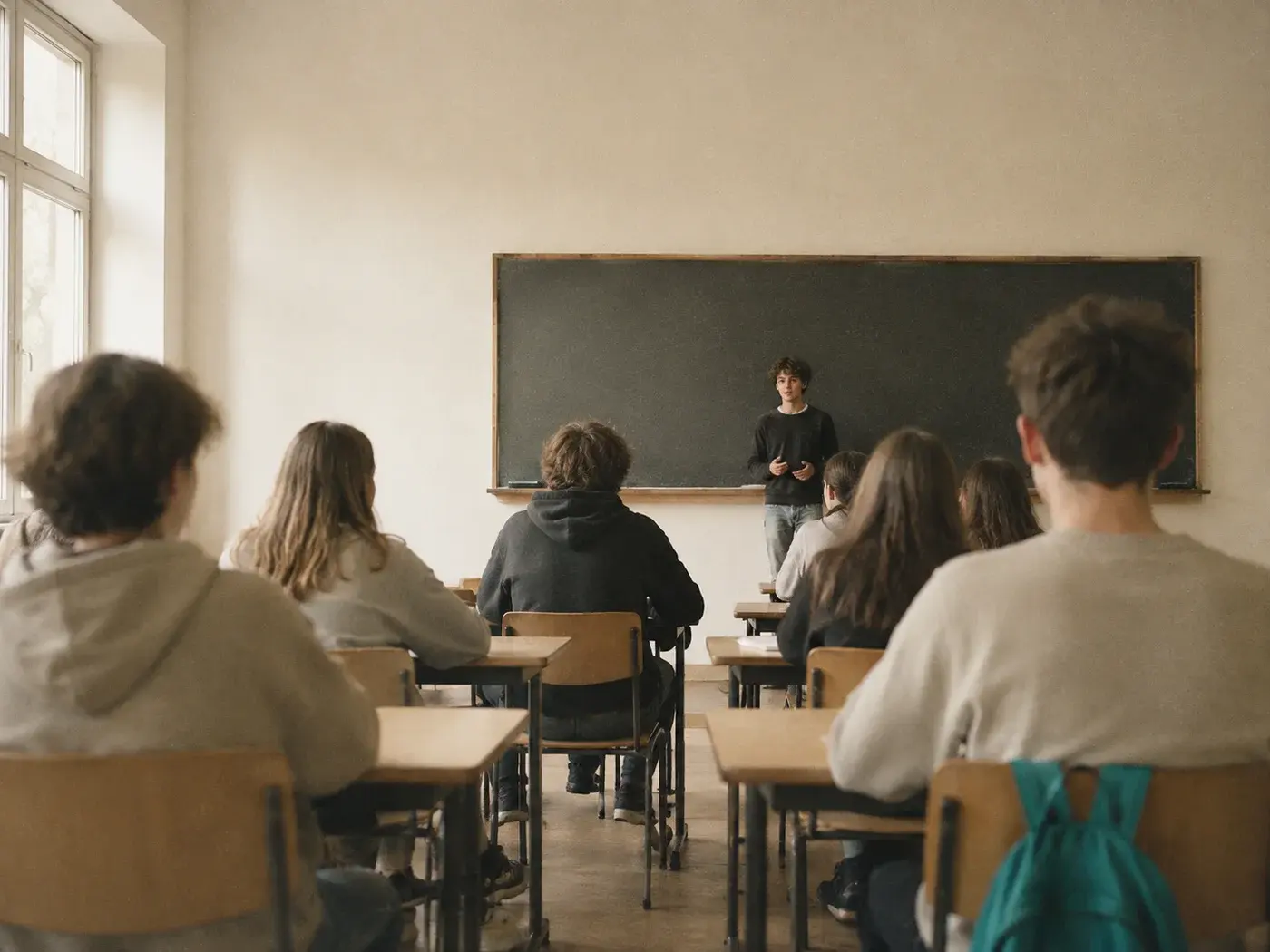
Presentations for school, with speaker notes written for your year group and a grade when you practise.
Avorate for School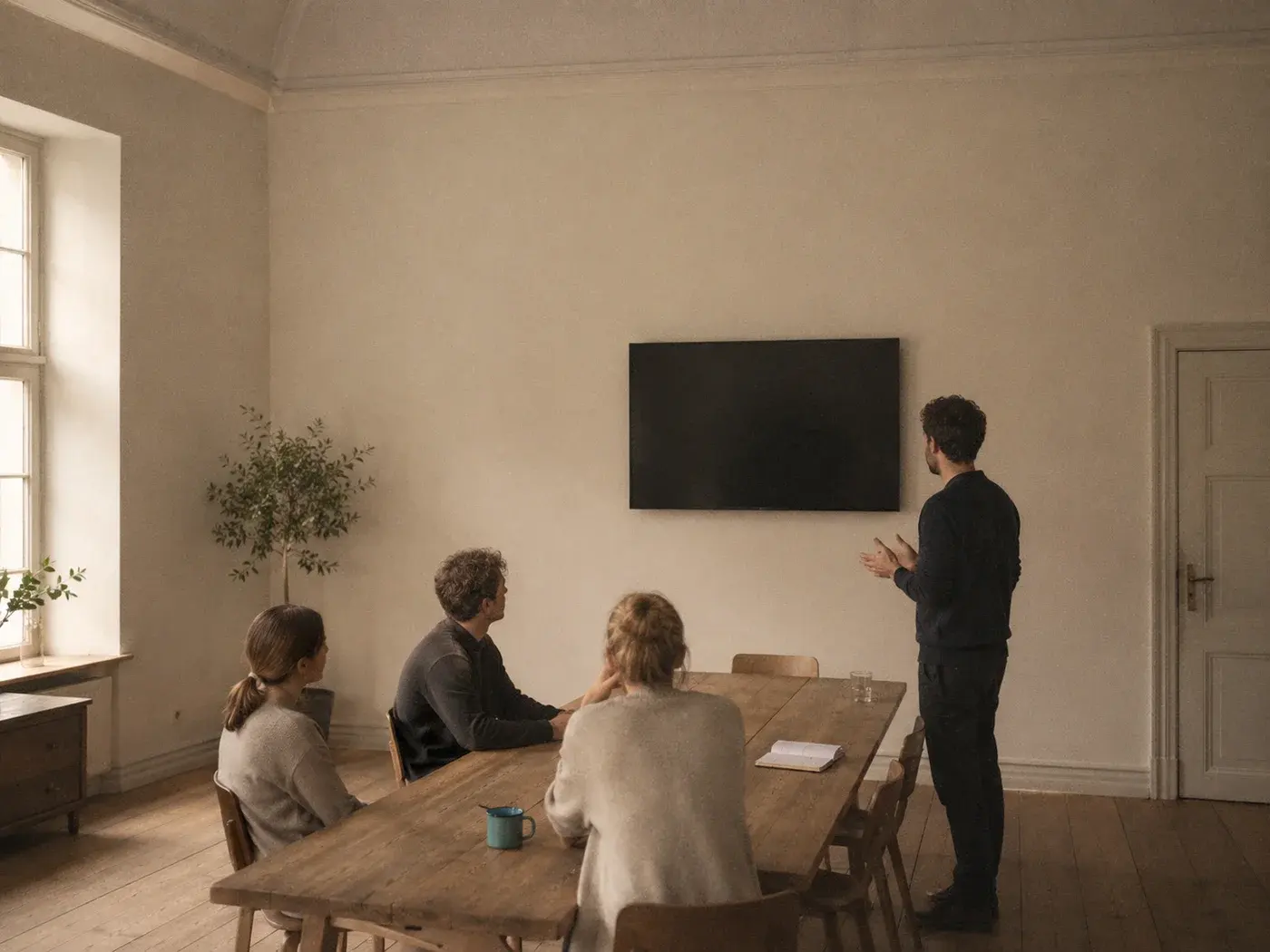
Follow-upWhen did you last notice that?
Work
Job interview, salary talk, client meeting. You practise the conversation and get the deck for the meeting too.
Avorate for Work
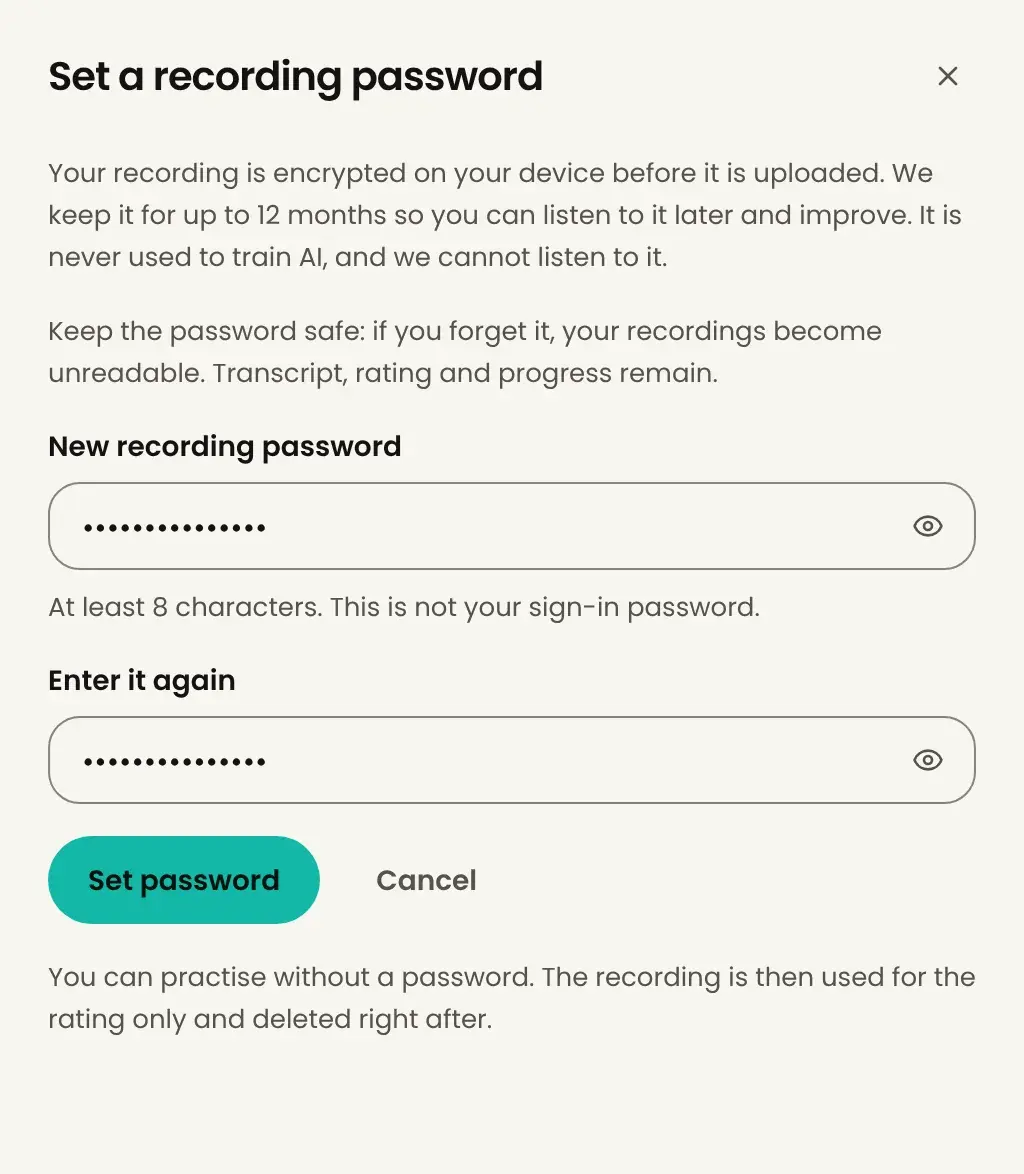
Your recordings are yours
What you practise stays with you. We can’t listen to your recordings.
- Encrypted
- Your recording is encrypted on your device before it’s stored. Only you hold the key.
- Only yours
- Only the person who practised sees the results. No teacher, no boss, no dashboard.
- No training
- No AI model is trained on your recordings or slides.
- Frankfurt
- Database and files sit in Frankfurt am Main, and the AI analysis runs in the EU.
- Delete
- Delete your recordings any time. Otherwise they’re gone after twelve months.
Common questions
What is Avorate?
Avorate turns a topic into a finished presentation: slides with pictures and a design, plus speaker notes. Then you practise it out loud, and Avorate analyses how you spoke. For job interviews and work there's conversation training, where Avorate plays the other side.
How do I get in?
Avorate is in a closed beta, and the web app only opens with an invite. Join the waitlist and confirm the email. As soon as a spot opens up, we'll send you your invite.
What does Avorate cost?
Nothing during the beta: no subscriptions, no payment details. Prices for later aren't set yet. What's certain is that there will be a free plan, and we'll tell you before anything changes.
Who is it for?
For students preparing a school presentation, and for anyone facing a job interview, a client meeting or a presentation at work. Conversation training is for ages 16 and up.
Which languages and devices?
German, English and French, for the interface and for your presentations. Conversation training and practice feedback are in German for now. Avorate runs in the browser on laptop, tablet and phone. Apps for iPhone and Android are in the works.
Can I use the slides elsewhere?
Yes. You download the presentation as a PowerPoint file and open it in PowerPoint, Keynote or Google Slides. The speaker notes come along.